Cancel a reservation
Open the reservation, open the menu at the top right, select Cancel Reservation, and confirm. The reservation moves to the Cancelled tab and can be uncancelled later.
Before you begin
- Cancelling keeps the reservation. It moves to the Cancelled tab and leaves your Home timeline.
- A reservation that has checked out and has been paid out is read-only and cannot be cancelled here.
Steps
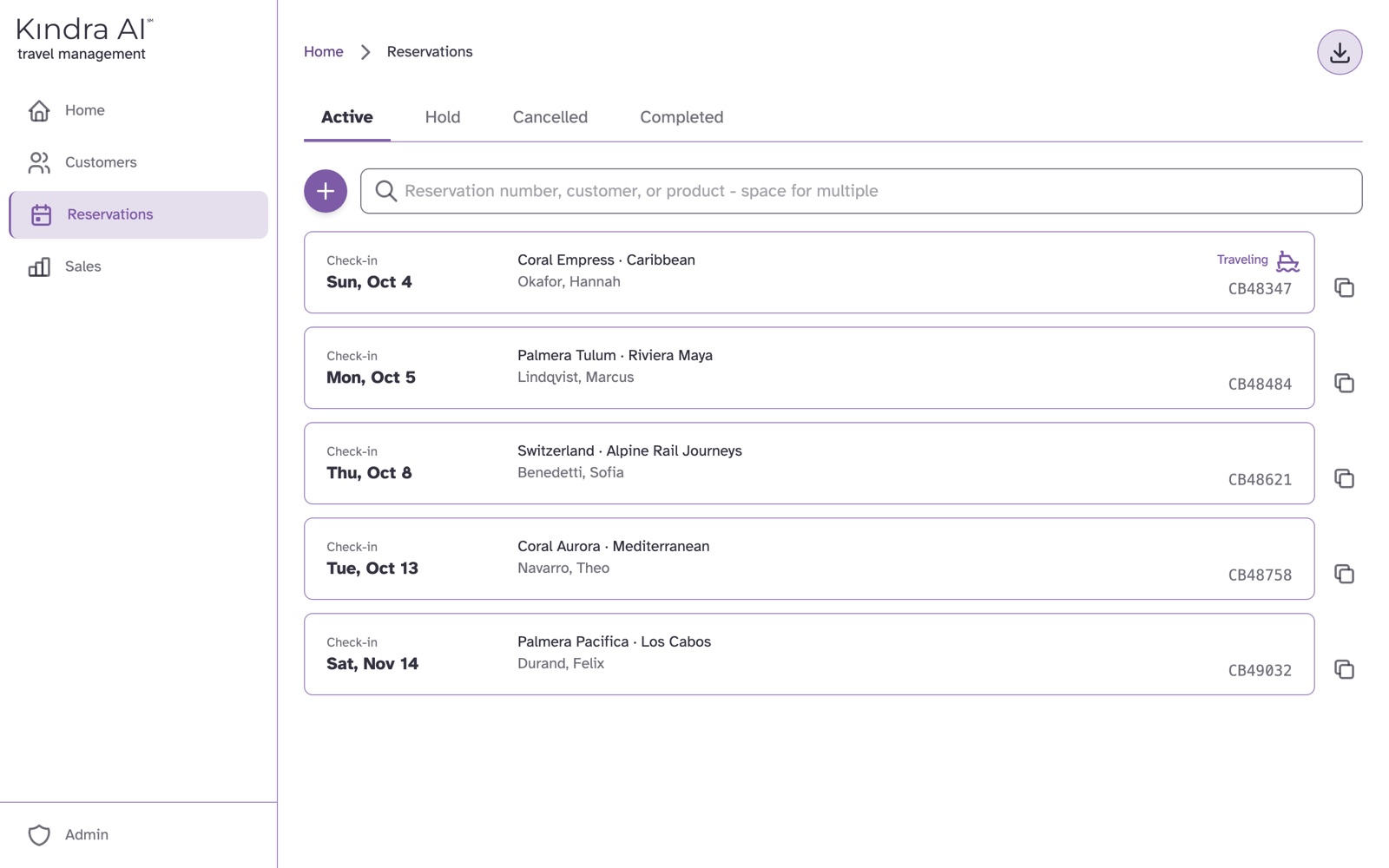
- In the Agent portal, select Reservations and open the reservation.
- Open the menu at the top right and select Cancel Reservation.
- If it applies, tick Insurance payout received: insurance covered this cancellation.
- If it applies, tick Protect agent commission: the agent still receives commission despite the cancellation.
- Select Cancel Reservation. To leave without cancelling, select Go Back.
What you should see
The message Reservation cancelled. The reservation shows a Cancelled banner with the date and appears on the Cancelled tab.
Undo a cancellation
Open the cancelled reservation and select Uncancel Reservation in the banner, or Uncancel in the menu at the top right.
Copy a reservation instead
To rebook the same trip, open the reservation, open the menu at the top right and select Duplicate. A new reservation form opens, filled in from this one.
Still stuck?
Email support@kindra.ai with what you were trying to do and what happened instead. A person answers.