Payment policies
Policies set when your agents get paid and the commission rates and penalties your agency applies. Find them in the Admin portal under Payments, on the Policies tab.
Where to find it
In the Admin portal, select Payments, then the Policies tab. Change a setting and select Save. You should see Policies updated.
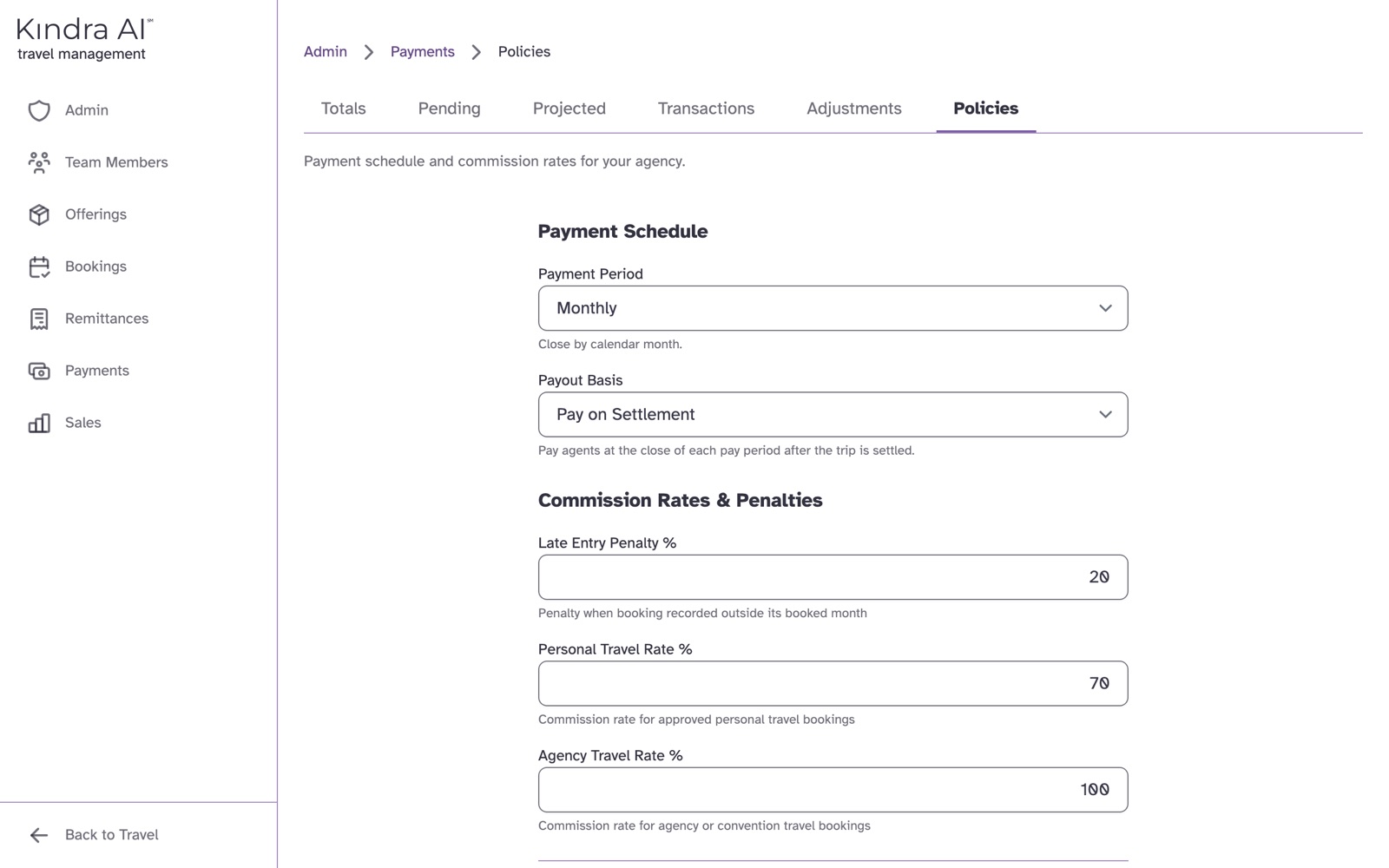
Payment Schedule
Payment Period
| Option | Meaning |
|---|---|
| No cutoff | No period cutoff. Eligible as soon as the booking is ready. |
| Monthly | Close by calendar month. This is the starting setting. |
| Semimonthly | Close twice per month: 1st-15th and 16th-end of month. |
| Weekly | Close Monday through Sunday. |
Payout Basis
| Option | Meaning |
|---|---|
| Pay on Settlement | Pay agents at the close of each pay period after the trip is settled. This is the starting setting. |
| Pay on Collection | Pay agents as each commission is received from the supplier. |
With Pay on Collection, agents do not see an Owed tab under Sales. Their tabs are Sales, Earned and Paid.
Commission Rates & Penalties
| Setting | Meaning | Starts at |
|---|---|---|
| Late Entry Penalty % | Penalty when booking recorded outside its booked month | 20 |
| Personal Travel Rate % | Commission rate for approved personal travel bookings | 70 |
| Agency Travel Rate % | Commission rate for agency or convention travel bookings | 100 |
For personal and agency travel, the agent gets whichever is higher: their own Commission % or the policy rate.
Minimum Payout Amounts
One amount per currency: USD, EUR and MXN. Leave a field empty for no minimum.
Still stuck?
Email support@kindra.ai with what you were trying to do and what happened instead. A person answers.